
Search everyone’s network at once
Your teammates know people you don’t. With a team plan, one search checks every teammate’s network and tells you who has the strongest line in.
Try it on your network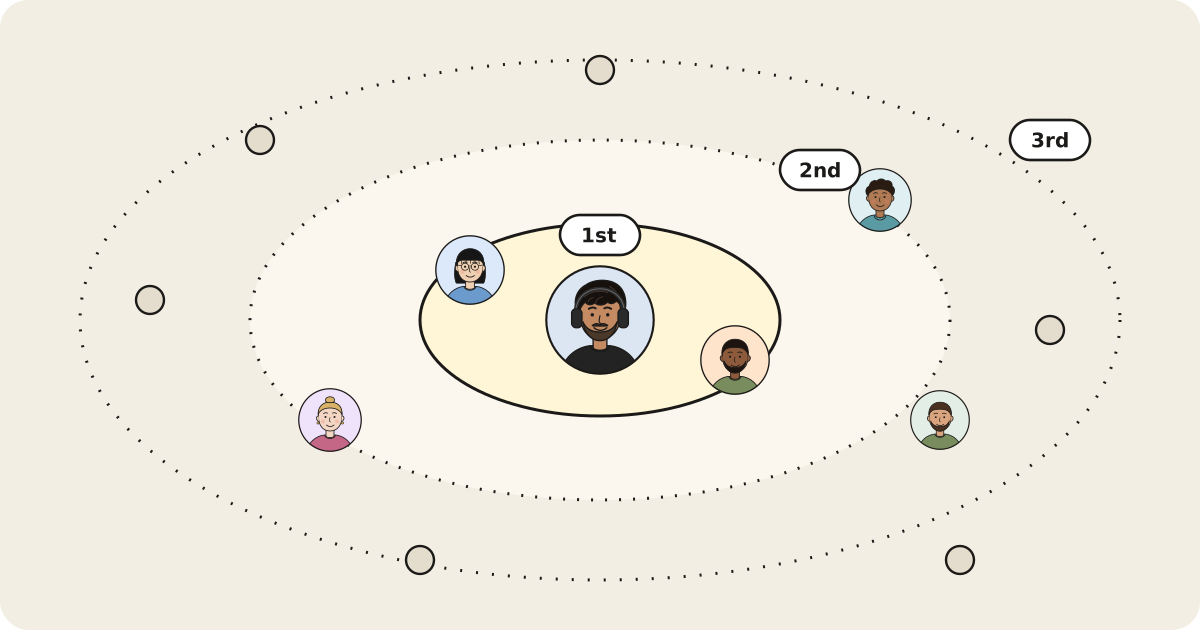
- “Does anyone on our team know someone at Anthropic?”
- “Who has the best path into our top 20 accounts?”
- “Which teammate knows the most fintech founders?”
- Teammates join with their work email.
- Their networks combine into one private, searchable map.
- Every result names the teammate to ask for the intro.



Who do we know at Anthropic?
A six-person partnerships team wants an intro to Anthropic. Nobody knows anyone there personally, or so they think.
- One teammate asks “Does anyone on our team know someone at Anthropic?” The search covers all six networks at once.
- The top match, Rosa Bianchi (Head of Partnerships), is in Alex’s network, not the person asking. Alex worked with her at Stripe.
- Two more paths come back: Jonah through Priya’s network, and Eva, Jae’s former teammate.
- The teammate asks Alex for the intro. Nobody sees anyone else’s full contact list, only who can help with this ask.
Result: One search finds three paths into an account that looked cold, and names the teammate to ask for each.
People, companies and numbers in this example are illustrative.
Can my teammates see my connections?
No. Teams are private by default: teammates see who can help with a specific ask and which teammate to go through, never each other’s full contact lists.
Which plan includes team search?
Pro. On Pro you can add teammates and search everyone’s network as one.
How do teammates join?
They join with their work email and connect their own LinkedIn. Their network is added to the team’s searchable map.
What does a team search result show?
The person, how strong the path is, and the teammate to ask for the intro, with the reason they’re connected.
Your network already did the work. Time to use it.
Connect LinkedIn and get your first ranked list of warm paths in under a minute.
Start sniffing