
I work on People by Sniff, one of the tools on this list. Claims about other tools link to their own pages, checked on October 18, 2026. I’ve tried to say plainly where each one is the better choice.
What makes a good warm-intro tool
A warm intro needs three things: someone who knows the person you want to reach, a relationship strong enough that they’ll help, and a reason the intro makes sense. A good tool should help with all three:
- Coverage. Which relationships does it see: LinkedIn only, or email, calendar and your team’s networks too?
- Search. Can you ask a question in plain English, or do you build filters one target at a time?
- Ranking. Does it tell you who knows the target well, and why, rather than listing every mutual connection?
- Price and privacy. Is there a free plan, and who can see your contacts?
The tools at a glance
| Tool | Relationships it sees | Search | Free option | Paid from |
|---|---|---|---|---|
| LinkedIn (free) | Your connections and their mutuals | Filters, one profile at a time | Yes | — |
| People by Sniff | Your LinkedIn network and your network’s network; teammates on Pro | Plain English, ranked with reasons | Yes | $99/mo |
| Happenstance | Email, calendar, contacts, LinkedIn, X, Instagram; friends’ groups | Plain English, ranked | Yes | $24/mo yearly |
| Sales Navigator TeamLink | Coworkers’ LinkedIn connections | Filters | Trial | $159.99/mo |
| LeadDelta | Your and teammates’ 1st-degree LinkedIn connections | Filters; plain English via its MCP | 7-day trial | $69.30/user/mo yearly |
| The Swarm | Team LinkedIn, email and calendar, plus its own dataset | Target company or person | Yes | $99/company/mo |
| Village | Email, calendar, LinkedIn, contacts, plus public data | Filters and AI search (credits) | Yes | $1/seat/mo |
1. LinkedIn’s own features (free)
LinkedIn shows the connections you share with other members, and its search can filter people by connection degree and company. That’s enough to check one target at a time. It doesn’t tell you how well each mutual connection knows the target, and checking a list of 50 companies this way takes an afternoon. LinkedIn also launched AI-powered people search for US Premium subscribers in November 2025, which takes plain-language requests.
Best for: occasional, one-off intros.
2. People by Sniff
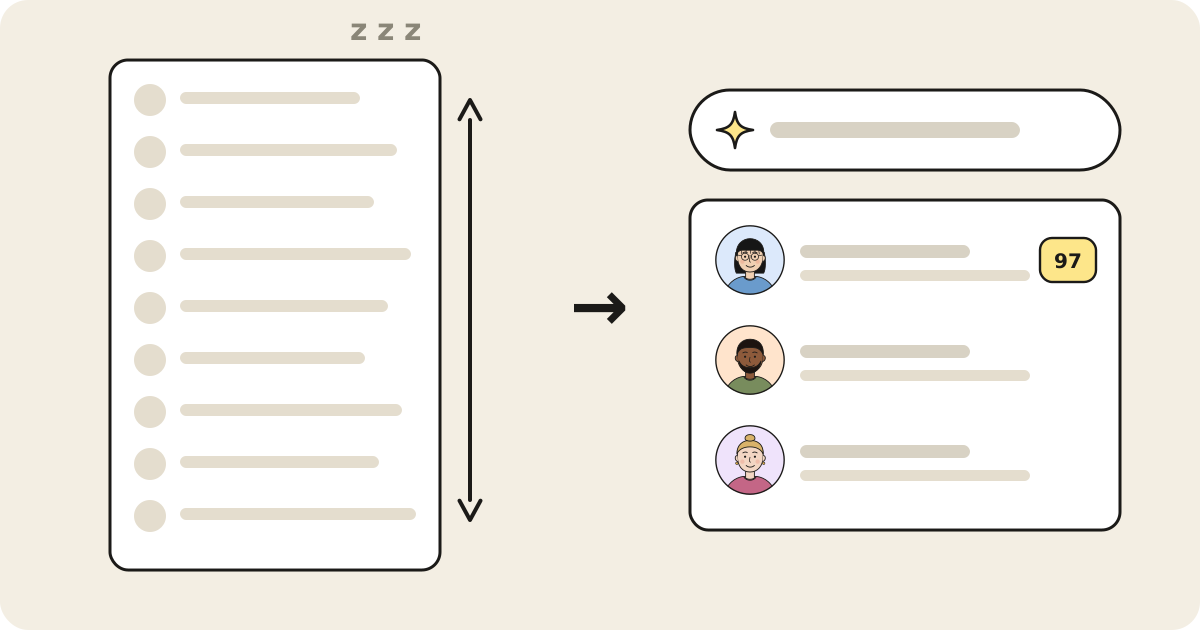
People by Sniff indexes your LinkedIn connections and answers questions like “who can refer me into a design role at Figma?” with a ranked list, each result with the reason it made the list and the person who can make the intro. It also does call prep from any LinkedIn profile and suggests who to tag in your posts. Pro adds search across your whole team’s networks, lead list uploads, alerts, and emails and phone numbers.
Best for: people whose professional network lives on LinkedIn and who want to ask it questions in plain English. Less suited to: relationships that only exist in your inbox or on X.
3. Happenstance
Happenstance searches across more sources than any other tool here: Gmail, Google Contacts and Calendar, Outlook, LinkedIn (via your data export), X and Instagram. You can join groups to search friends’ networks, and it offers an API, MCP server and iPhone app. It’s also the cheapest paid plan on this list.
Best for: people whose relationships are spread across email and social accounts. See People by Sniff vs. Happenstance for a closer comparison.
4. LinkedIn Sales Navigator with TeamLink
TeamLink highlights coworkers who can introduce you to a lead. It’s included in Sales Navigator Advanced and Advanced Plus, not Core. Search is filter-based, and it covers your company’s connections, not your personal network outside work.
Best for: sales teams already paying for Sales Navigator Advanced.
5. LeadDelta
LeadDelta is a LinkedIn CRM with an AI inbox. Its Warm Intro AI scores paths to a contact through your and your teammates’ connections, up to 50 searches per seat per day. Plain-English questions go through its MCP server in Claude, ChatGPT or Perplexity.
Best for: people who want a LinkedIn CRM, inbox and campaigns, with warm intros as one feature. More options in LeadDelta alternatives.
6. The Swarm
The Swarm combines a large people and company dataset with your team’s LinkedIn, email and calendar contacts, maps scored paths to a target company, and syncs with CRMs. It has a free plan and a Premium plan priced per company.
Best for: go-to-market teams that want company-wide relationship data in their CRM.
7. Village
Village finds 1st, 2nd and 3rd-degree paths through a team’s email, calendar, LinkedIn and contacts, enriched with public work and funding data. Pricing is credit-based, with a free tier.
Best for: teams, especially fundraising-heavy ones, that want investor and funding data alongside intro paths.
Which one should you use?
- One intro, occasionally: LinkedIn’s mutual connections.
- Regular intros through your LinkedIn network, asked in plain English: People by Sniff.
- Relationships across email and social: Happenstance.
- A sales team already on Sales Navigator: TeamLink.
- A LinkedIn CRM first, intros second: LeadDelta.
- Company-wide relationship mapping: The Swarm or Village.
Whichever tool you use, the ask matters as much as the path: name exactly who you want to meet, give one line of context, and write a short note the connector can forward as-is. More on that in Warm Intro vs. Cold Outreach.
Sources
- LinkedIn: shared connections (Help), Sales Navigator plans (Help), compare plans, AI-powered people search announcement (Nov 13, 2025)
- Happenstance: homepage, for LinkedIn, pricing
- LeadDelta: homepage, pricing, Warm Intro AI
- The Swarm: homepage, pricing
- Village: homepage, pricing
- All checked October 18, 2026.