
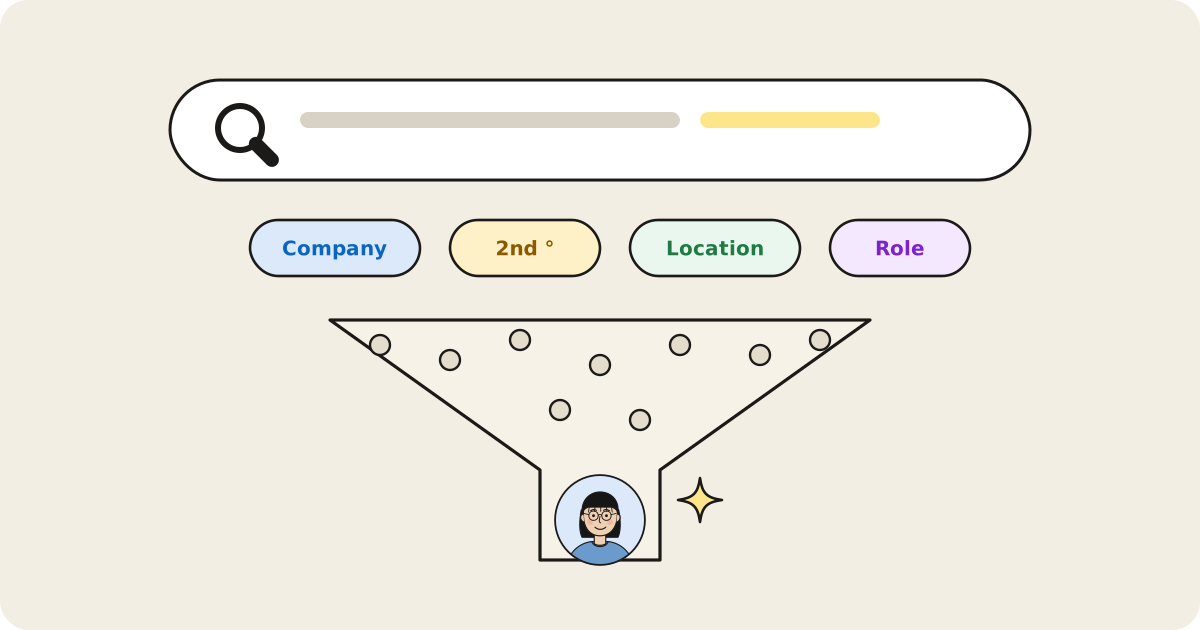
Start with LinkedIn's native filters
LinkedIn's search supports useful filters even without a premium account: degree of connection, current and past company, location, school, industry, keywords, and “connections of” a specific person. Free accounts get up to 250 results per search, which is plenty once you narrow by degree and company. The filter combination that works best for warm-path searches is 2nd-degree + target company — it surfaces exactly the people one hop away from where you want to be.
Use the "mutual connections" view deliberately
Every 2nd-degree profile shows shared connections. Before messaging a 2nd-degree contact cold, check this list — if a mutual connection is someone you know well, ask them for the intro instead of messaging the target directly. LinkedIn’s own data shows why it’s worth the minute: prospects were 46% more likely to accept an InMail when they were connected to someone at the sender’s company.
Search by company, not just by person
If you have a list of target companies (for sales, fundraising, or job search), search your own connections against that list rather than researching each company individually. The question isn't "who is at Stripe" in general — it's "who in my network is at Stripe," which is a completely different, much smaller and more useful search.
Where native search runs out
LinkedIn's filters are good at narrowing by attribute but can't rank by relevance, can't combine "who's active" with "who's connected," and can't answer a compound question like "who in my network can refer me to a VP of Engineering role, ranked by how likely they are to respond." That's a search, not a filter — and it's why AI network search tools exist as a layer on top of, not a replacement for, LinkedIn's native filters. LinkedIn is moving this way too: in November 2025 it launched AI-powered people search for Premium subscribers in the US.
People by Sniff handles exactly that kind of compound, plain-English query against your own network, then explains why each result made the list.
A five-minute weekly habit
The technique that compounds best isn't any single search — it's running a broad relevance search over your network on a regular cadence ("who in my network changed jobs this month," "who's most active right now") so you catch timing windows instead of only searching reactively when you already need something.
Sources
- LinkedIn Help: search filters, free vs. Premium search
- LinkedIn Talent Blog, Stats that will help you write better LinkedIn InMails (2015)
- LinkedIn, AI-powered people search for Premium subscribers in the US (Nov 13, 2025)